In development — not yet on the App Store
Private hearts,
smart matches.
Your Wybber is a personal AI relationship assistant — one that knows you, and that exists only on your phone. With your permission it does the first round of introductions for you, so the people you meet are the ones who fit. The AI and your data both stay on your device.
Not released yet. Wybber is still in development and cannot be downloaded from the App Store or Google Play today. This site explains what the app is and publishes its legal documents. A download link will appear here when it ships.

- Your data stays on your device
- The AI runs on your device
- End-to-end encrypted chat
- No ads, no analytics SDKs
- Rated 17+
Dating where your data stays yours
Most dating apps work by collecting everything. Wybber is built the other way round.
-
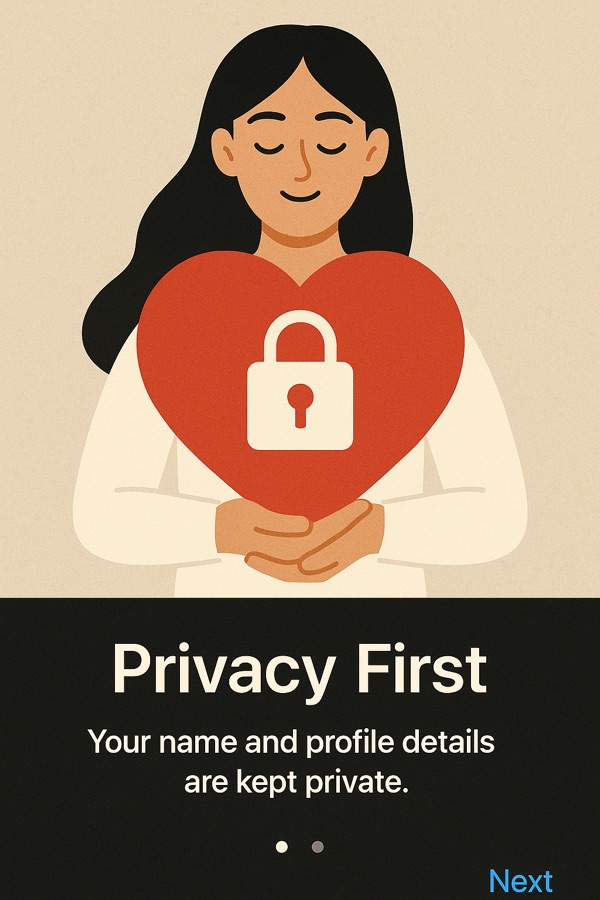
Your data stays on your device
Your profile, bio, photos and chats live on your phone. They are never uploaded to our servers.
-
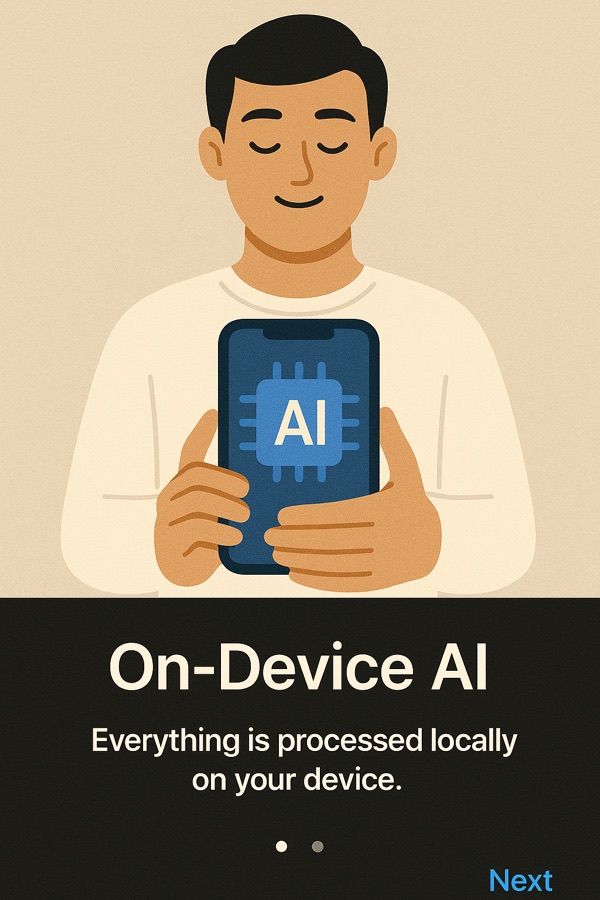
The AI runs on your phone
Your Wybber’s model runs on your phone — compatibility is worked out on your device and no question is ever sent to a cloud model. Your Wybber only shares the category answers you have allowed, end-to-end encrypted, with a candidate’s device.
-
The server sees as little as possible
Hashed identifiers, a few coarse registration details and the outcome of an introduction. Never your photos, your messages or your answers.
How it works
From sign-up to a first message, in four steps.
-
Build your profile on your phone
Answer a short, chat-style onboarding. Your name is optional; your photos and bio stay on your device.
-
Meet your Wybber
Your Wybber is the on-device assistant that knows what you are looking for. It only talks to other people’s Wybbers if you switch that on in Settings. It is off by default and you can turn it off at any time.
-
Introductions happen phone to phone
When it is on, Wybbers exchange only the category answers you have chosen to share, end-to-end encrypted and between the two devices. Our server never sees them.
-
You decide whether to talk
If it is a mutual fit you get a match. Details are revealed gradually rather than all at once, and the chat is end-to-end encrypted.
What is in the app
On-device matching
Compatibility is computed on your phone, not on a server.
Wybber conversations, opt-in
“Let my Wybber talk for me” stays off until you switch it on, and you choose which categories your Wybber may answer.
Encrypted chat
Messages are encrypted on your device and can only be read by the person you are talking to.
Optional selfie check
A live selfie check that runs entirely on your phone. The image does not go to our servers.
Recovery phrase and phone transfer
Your identity is derived from a recovery phrase, so you can restore it on another device or move to a new phone with a QR code.
Report and block
Report or block anyone in a tap. Serious categories do both at once.
What stays where
The honest version of “we care about your privacy”. The full details are in the Privacy Policy.
Stays on your phone
- Your profile, bio and photos
- Your chats
- The image from the optional selfie check
- The matching calculations
- Answers you have not allowed to be shared
Our server sees
- Irreversibly hashed identifiers, not names or emails
- Basic registration details: gender and who you are interested in, an age band, and a coarse location
- The outcome of an introduction: no match, or match
- Subscription status from the App Store or Google Play, and your notification token
Built with safety in mind
Wybber is rated 17+ and publishes a Safety and Moderation Policy. Every profile and chat has Report and Block, and someone you block can no longer see you or contact you.
Quick answers
- Can I download Wybber today?
- Not yet. It is in development. A download link will be added to this page when it is released.
- Does Wybber store my photos or messages?
- No. Photos, bio and chats stay on your device. See the Privacy Policy for exactly what the server does receive.
- How do I delete my account?
- In the app: Settings, then Delete account. If you cannot open the app, email us. Details are on the Support page.
- Which languages does the app speak?
- English and Turkish.
Legal documents and support
Creators. Read how the Wybber Influencer Program works. Influencer Program
Questions, or want to hear when it launches?
Write to us and we will get back to you.